Mini Wireless Keyboard with Touchpad – Bluetooth & 2.4GHz
Mini Wireless Keyboard with Touchpad – Bluetooth & 2.4GHz






























BUNDLE & SAVE
Couldn't load pickup availability
-
Ordered
- - -
Order Ready
- - -
Delivered

Mini Wireless Keyboard with Touchpad – Bluetooth & 2.4GHz
One Mini Keyboard. Total Control.
Type, scroll, click, present and control your devices from one compact keyboard with touchpad.

Compact • Versatile • Easy to Carry
Too Many Remotes. Too Many Devices.
Smart TVs, laptops, tablets and streaming devices often mean switching between remotes, keyboards and mice. This compact controller brings them together in one simple device.
Dual Wireless Modes
Switch between Bluetooth and 2.4GHz wireless depending on the device you want to control.
A convenient option for modern compatible devices.
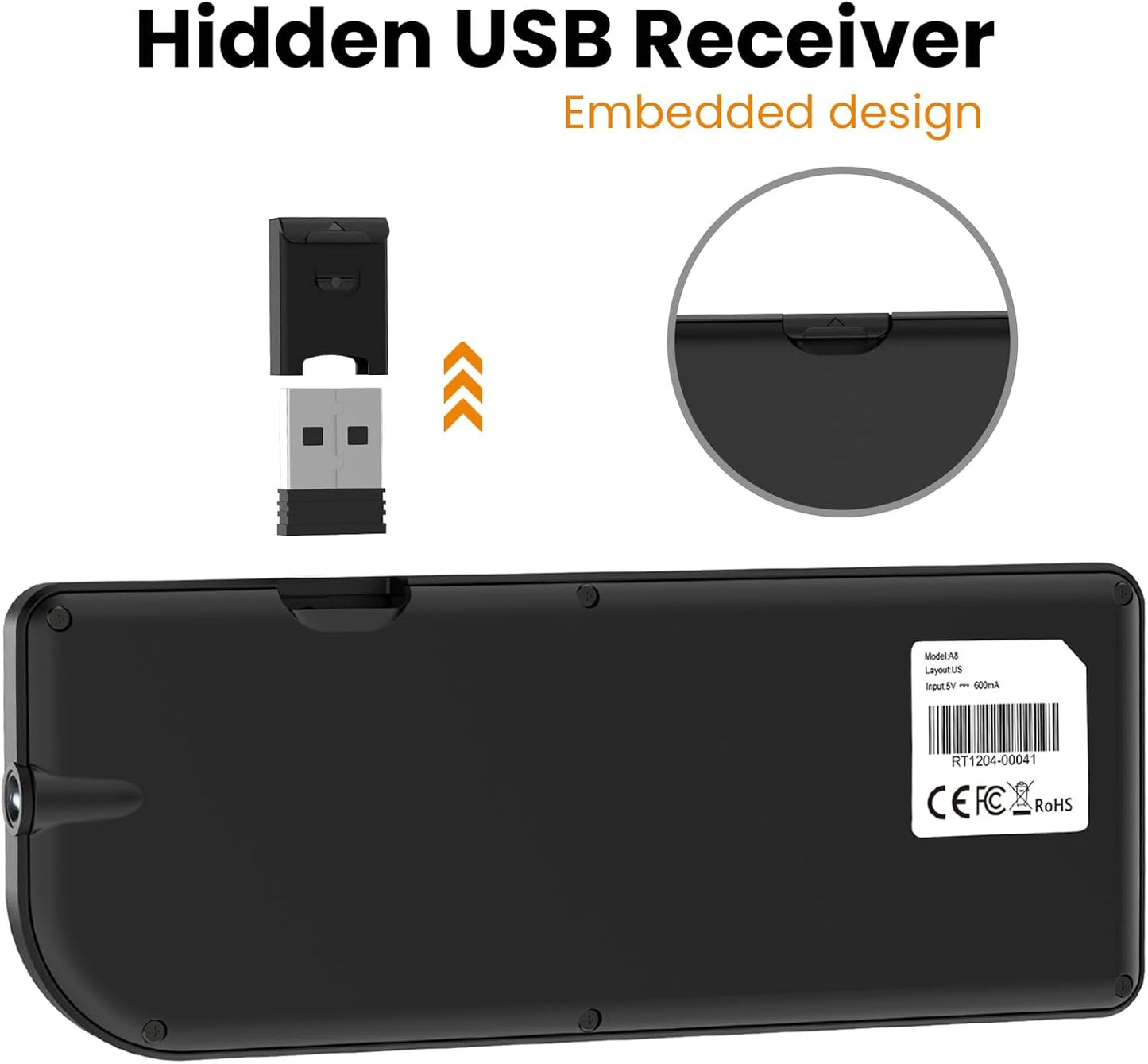
Use the included USB receiver for compatible systems that support USB input.
Touchpad That Adapts to You
Scroll, click and navigate without carrying a separate mouse.

More Than a Keyboard
Built-in extras make it useful for everyday control, presentations and low-light environments.

7-Color Backlight
Comfortable typing in darker rooms.
Built-In Laser
Useful for presentation scenarios.
Slim Profile
Easy to store in a bag or pocket.
Quick Access Keys
Fast control from one compact layout.
Built for Multiple Devices
A flexible choice for many common systems and entertainment setups.

Windows
macOS*
Android
Smart TVs*
Linux
Streaming Devices*
*Compatibility can vary by device model, operating system and supported input method.
Recharge. Relax. Keep Control.
The built-in rechargeable battery keeps your setup clean and cable-free during use.

Perfect for Everyday Control
One compact controller for entertainment, work and presentation setups.
Living Room
Office
Presentations
Media Center
Product Details
What’s in the Box?
Frequently Asked Questions
Yes. The keyboard supports both wireless modes, making it easier to use with different compatible devices.
Press Fn + Alt to rotate the touchpad orientation by 90°.
Press Fn + Spacebar to cycle through available DPI sensitivity settings.
Hold Fn + RF until the yellow light flashes, then place the receiver close to the keyboard to re-pair.
Compatibility varies by device. Some TVs and streaming devices may not support all keyboard, touchpad or shortcut functions.
Shop With Confidence
Customer support is available if you need help with setup or use.

Simplify Your Setup
Replace extra remotes, keyboards and mice with one compact wireless controller built for everyday convenience.
Bluetooth • 2.4GHz • Touchpad • Backlight