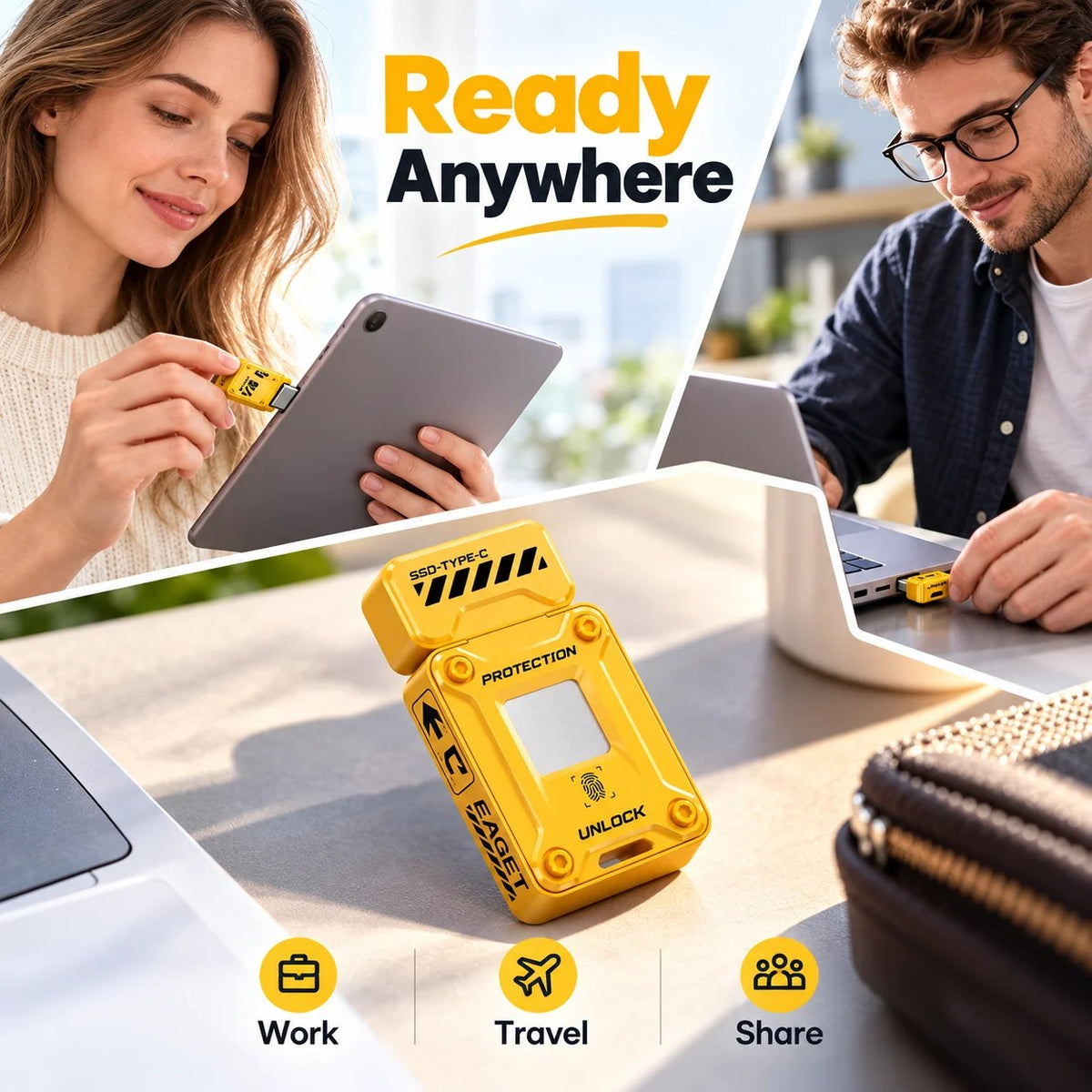
🔐 EAGET FU80 Fingerprint Encrypted SSD Flash Drive – Ultra-Fast Type-C USB Drive for Secure Data Storage
🔐 EAGET FU80 Fingerprint Encrypted SSD Flash Drive – Ultra-Fast Type-C USB Drive for Secure Data Storage






























BUNDLE & SAVE
Couldn't load pickup availability
-
Ordered
- - -
Order Ready
- - -
Delivered

🔐 EAGET FU80 Fingerprint Encrypted SSD Flash Drive – Ultra-Fast Type-C USB Drive for Secure Data Storage
Your Private Files Deserve More Than a Regular USB Drive.
Carry work files, personal photos and important documents in a compact solid-state drive that combines fast Type-C storage with fingerprint authentication and encrypted private space.
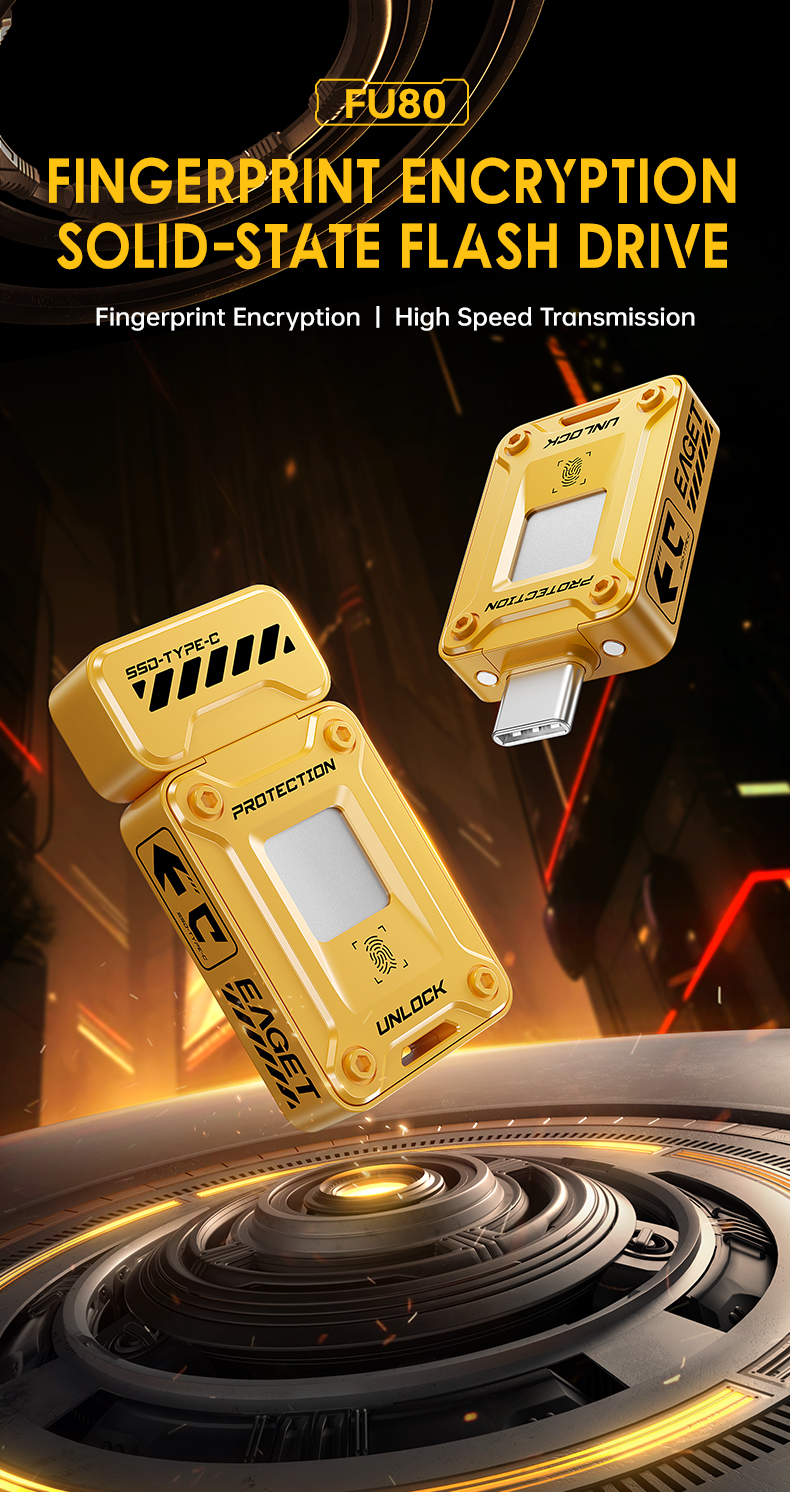
A Lost Drive Is Bad. An Unprotected Drive Full of Private Files Is Worse.
Ordinary removable storage can be opened by whoever plugs it in. An encrypted private partition adds another layer between your sensitive files and unauthorized access.
Keep Private Files Behind Authentication.
The drive supports AES-256 encryption together with fingerprint and password-based access for its protected storage area.
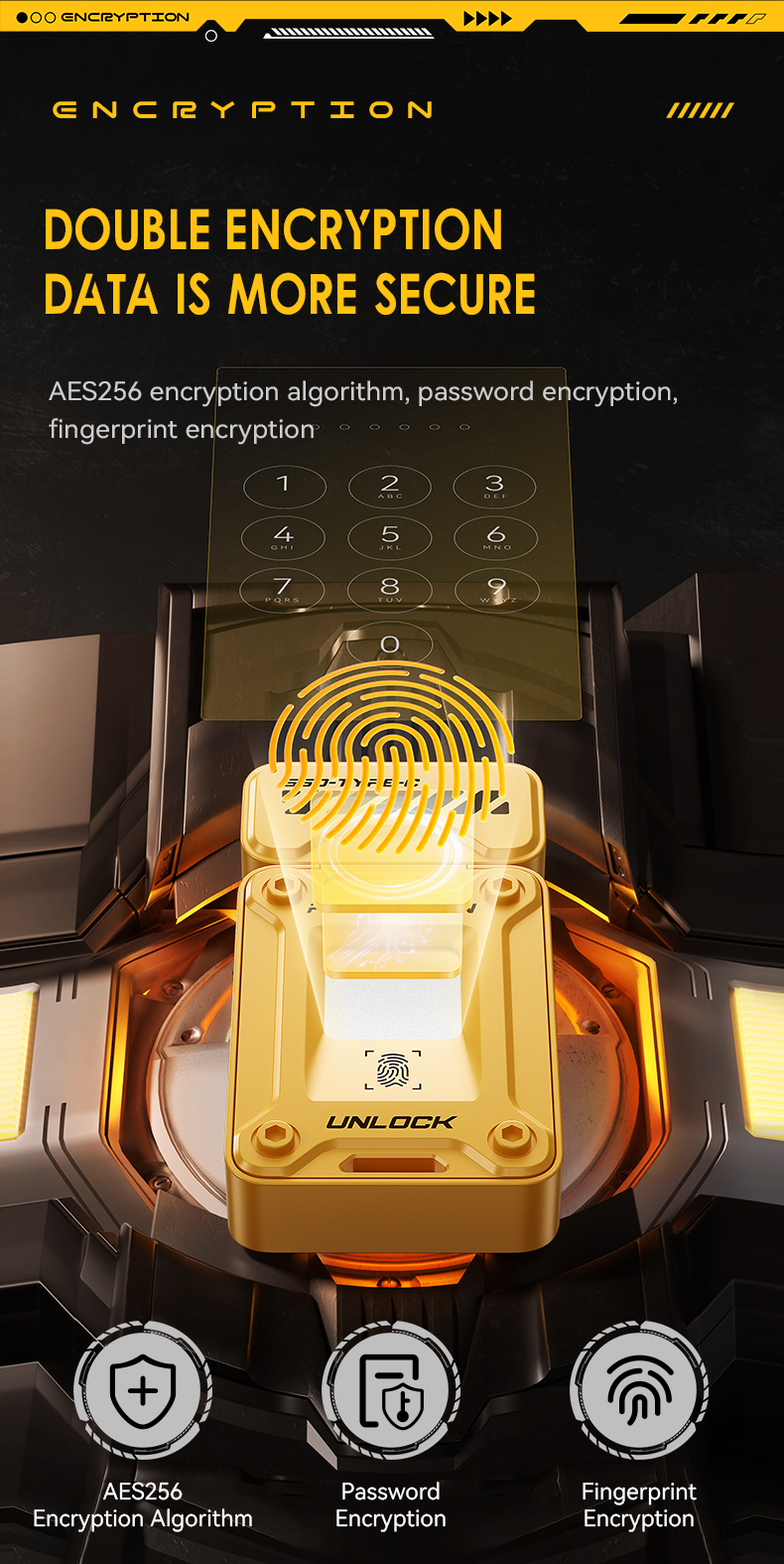
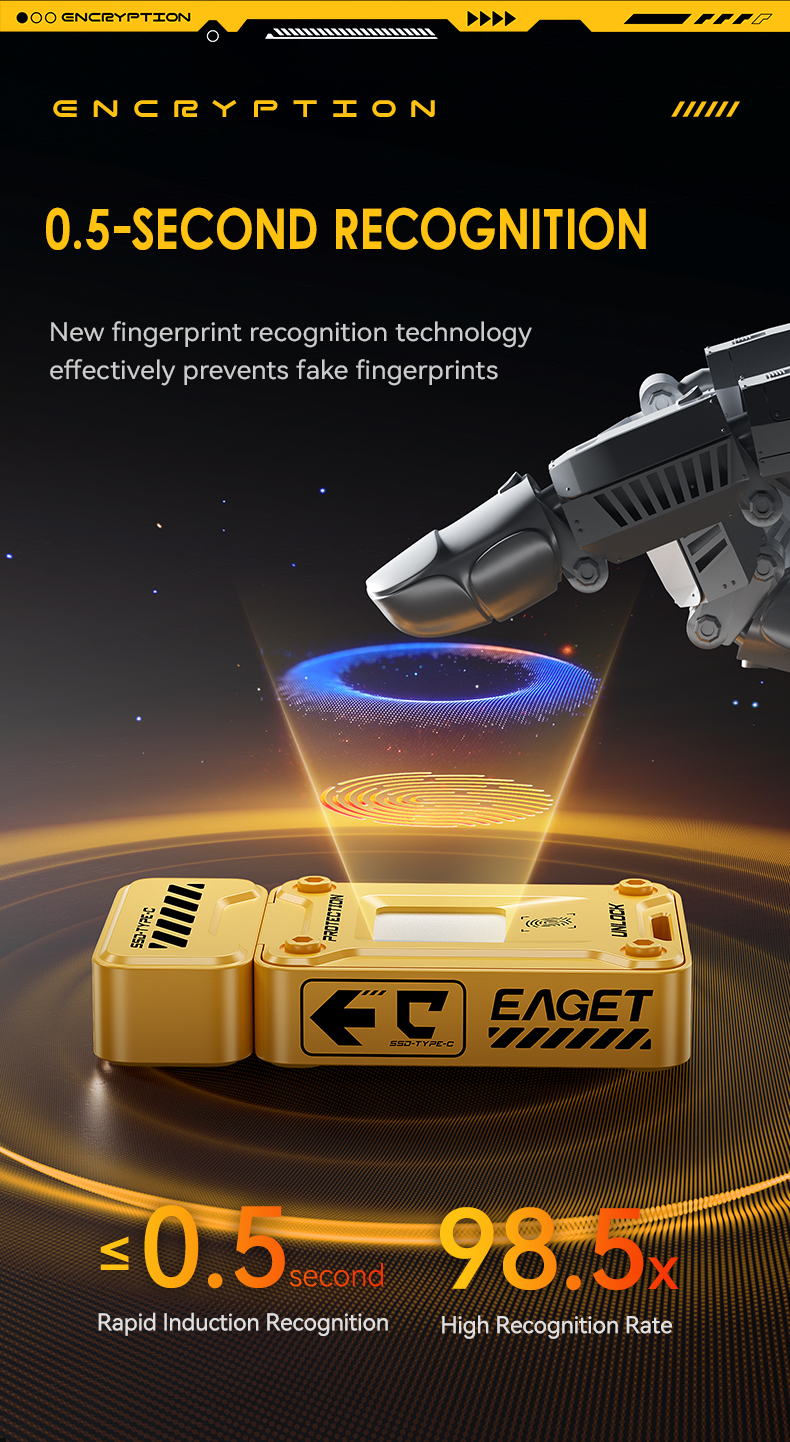
Register authorized fingerprints and use the integrated sensor to access the encrypted area.
Password verification provides an additional supported method for managing protected storage.
Protected files can be stored inside an encrypted private partition instead of remaining openly accessible.
Divide capacity between general storage and encrypted storage according to how you use your files.
Protection Shouldn't Make Every File a Chore.
Once your fingerprint has been registered, the built-in sensor gives you a convenient way to authenticate before accessing protected files.
Move Large Files Without Treating Every Transfer Like a Coffee Break.
Solid-state storage and a high-speed Type-C interface make the drive suitable for moving larger photo libraries, videos, project files and backups more efficiently than basic low-speed flash storage.
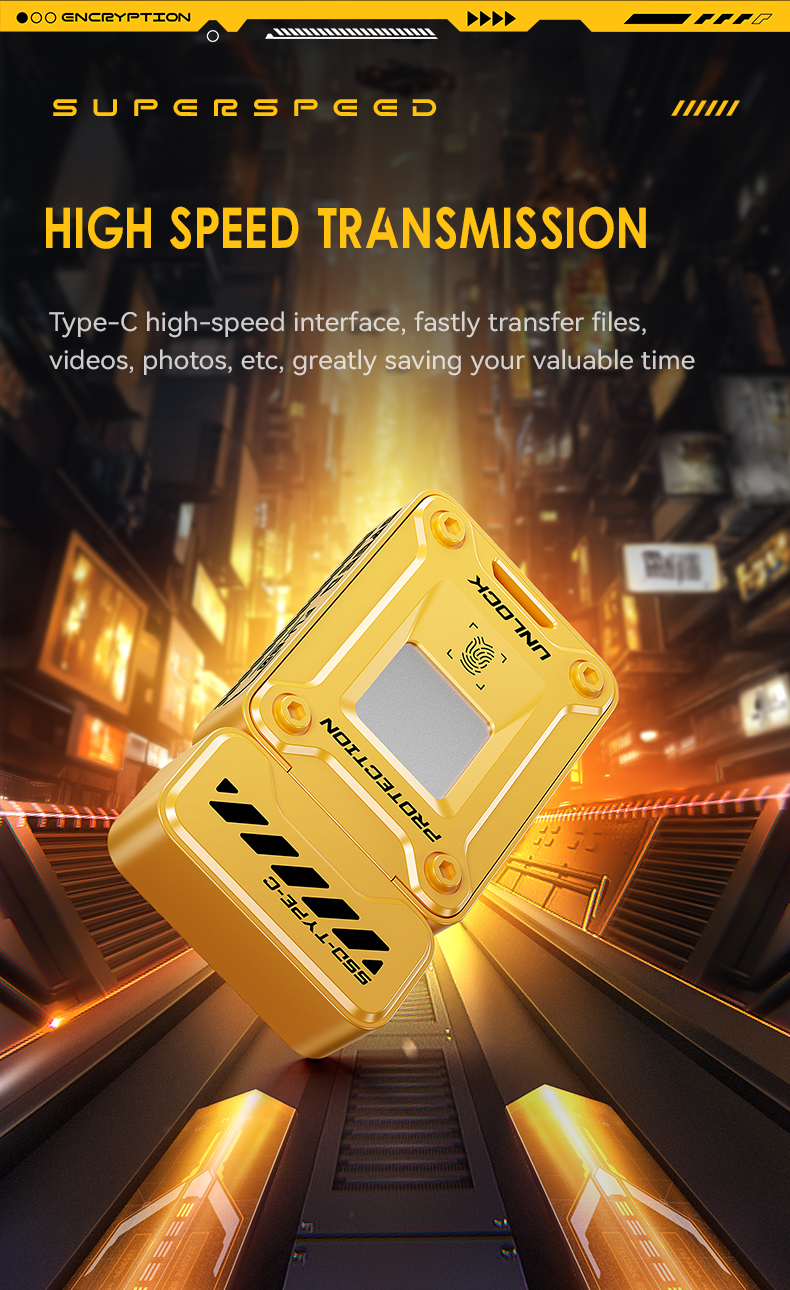
Official product specifications list read performance up to approximately 500MB/s.
Official specifications list write performance up to approximately 430MB/s.
Useful for video, photos, software packages, work files and routine backups.
Performance depends on the host device, USB interface, file size and storage conditions.
One compact drive can carry large files between devices while giving sensitive documents a separate protected space.
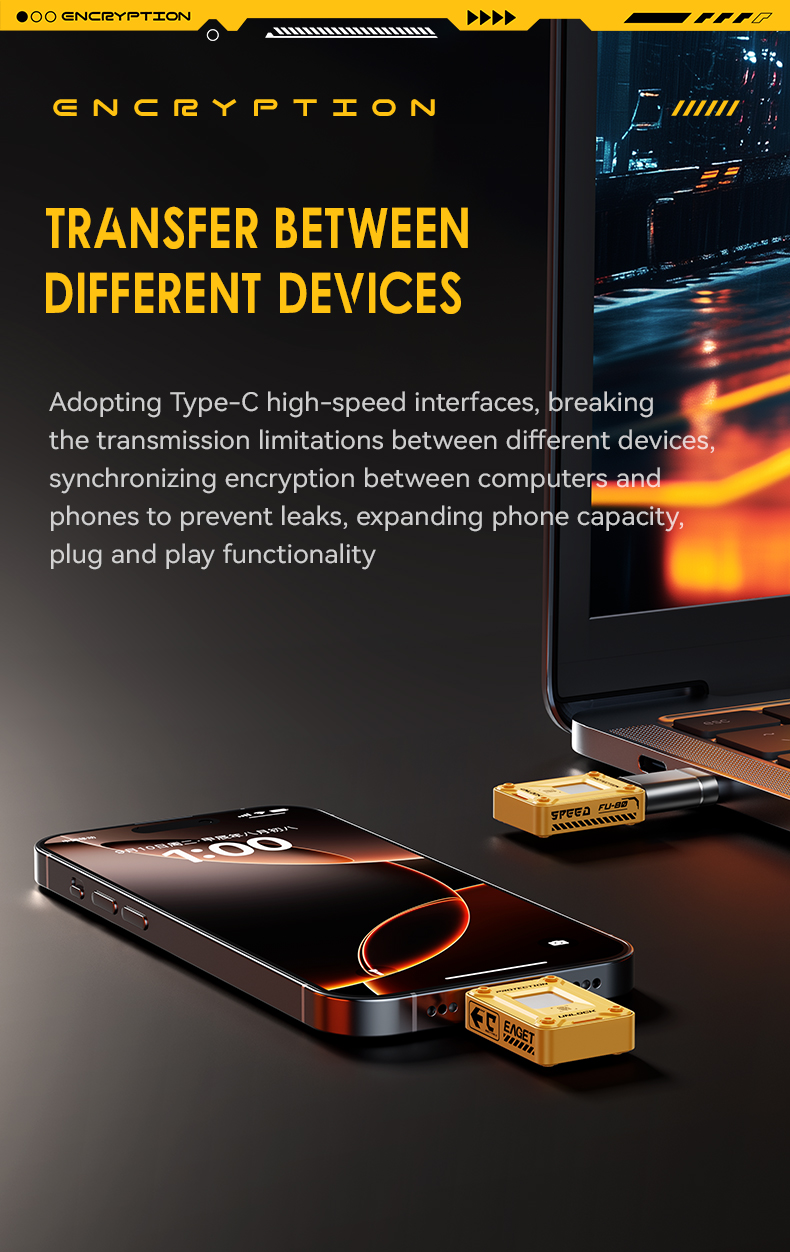
Move Files Between Phone and Computer.
Type-C connectivity makes the drive practical for compatible smartphones, tablets and computers, helping you move photos, videos and documents without relying only on cloud storage.
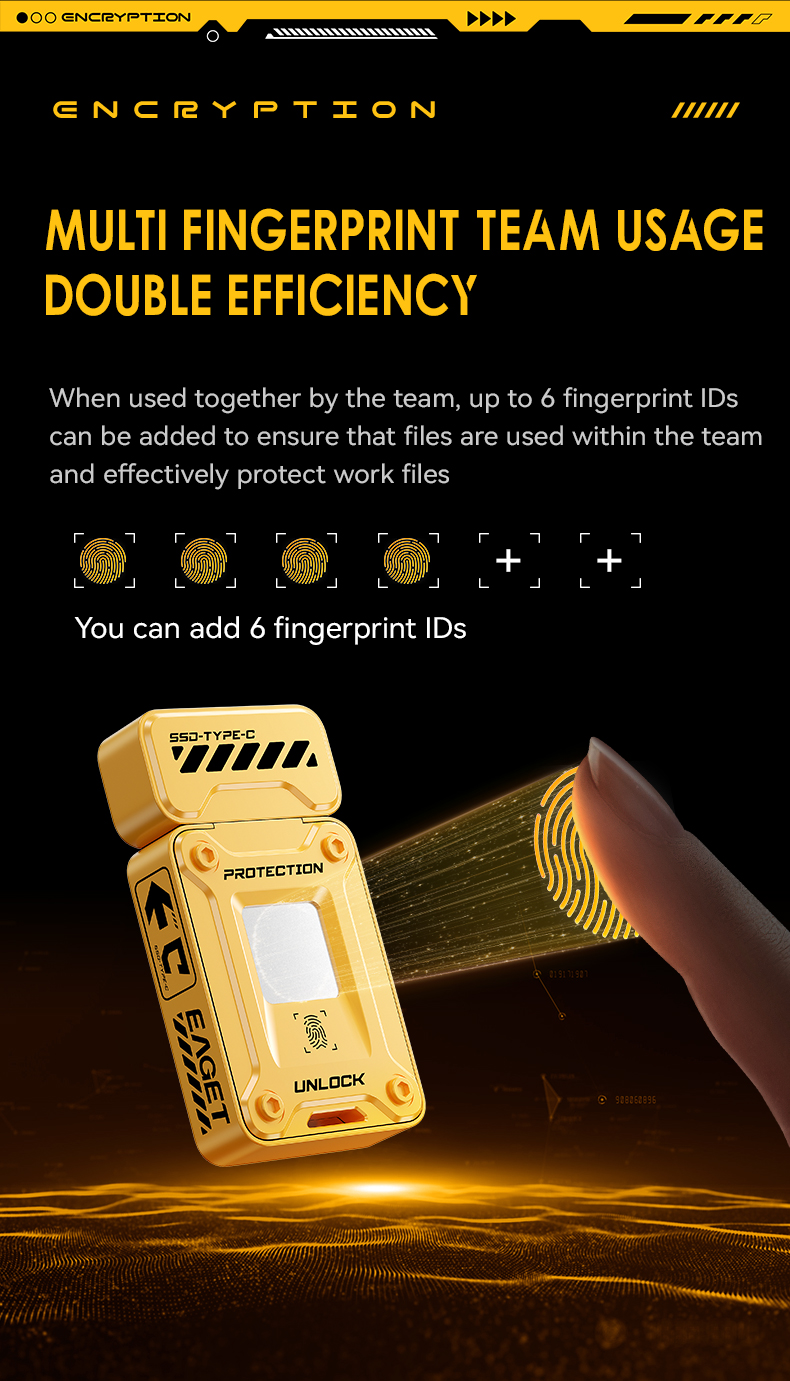
Register Up to 6 Fingerprint IDs.
Multiple fingerprint profiles can be registered, which can be useful when more than one authorized person needs access to the protected storage.
Set Up Your Protected Space Before You Start Storing Private Files.
Initial fingerprint, password and encrypted-partition setup uses the compatible management software or app for your device.
Insert it into a compatible Type-C or supported USB connection.
Install or launch the compatible software/app supplied for setup.
Create the password and record the fingerprint IDs you want to authorize.
Allocate space between public storage and the encrypted private area.
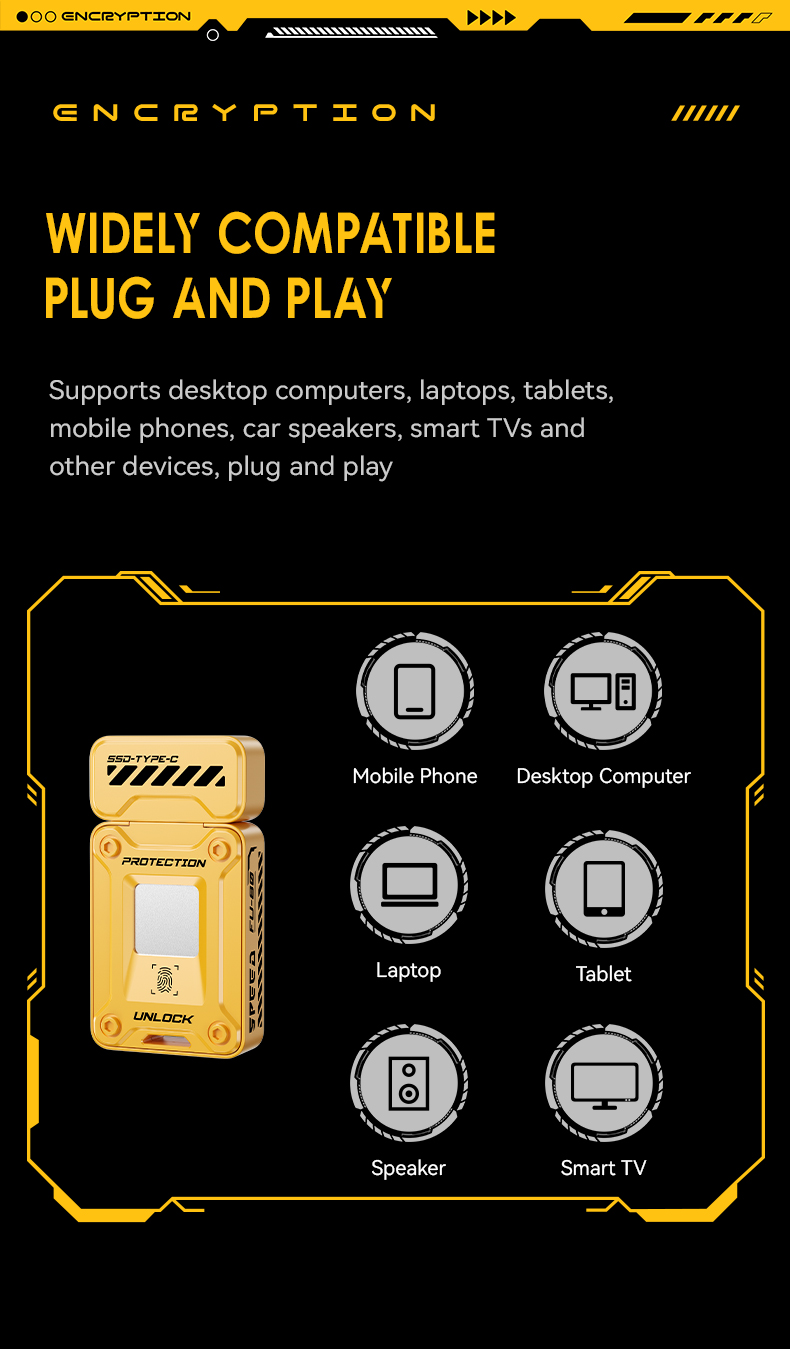
One Drive for More Than One Screen.
Product specifications list support across mainstream computers and compatible Android devices, with additional use depending on the USB port, operating system and file-system support of the host device.
A Metal Body That Barely Takes Up Pocket Space.
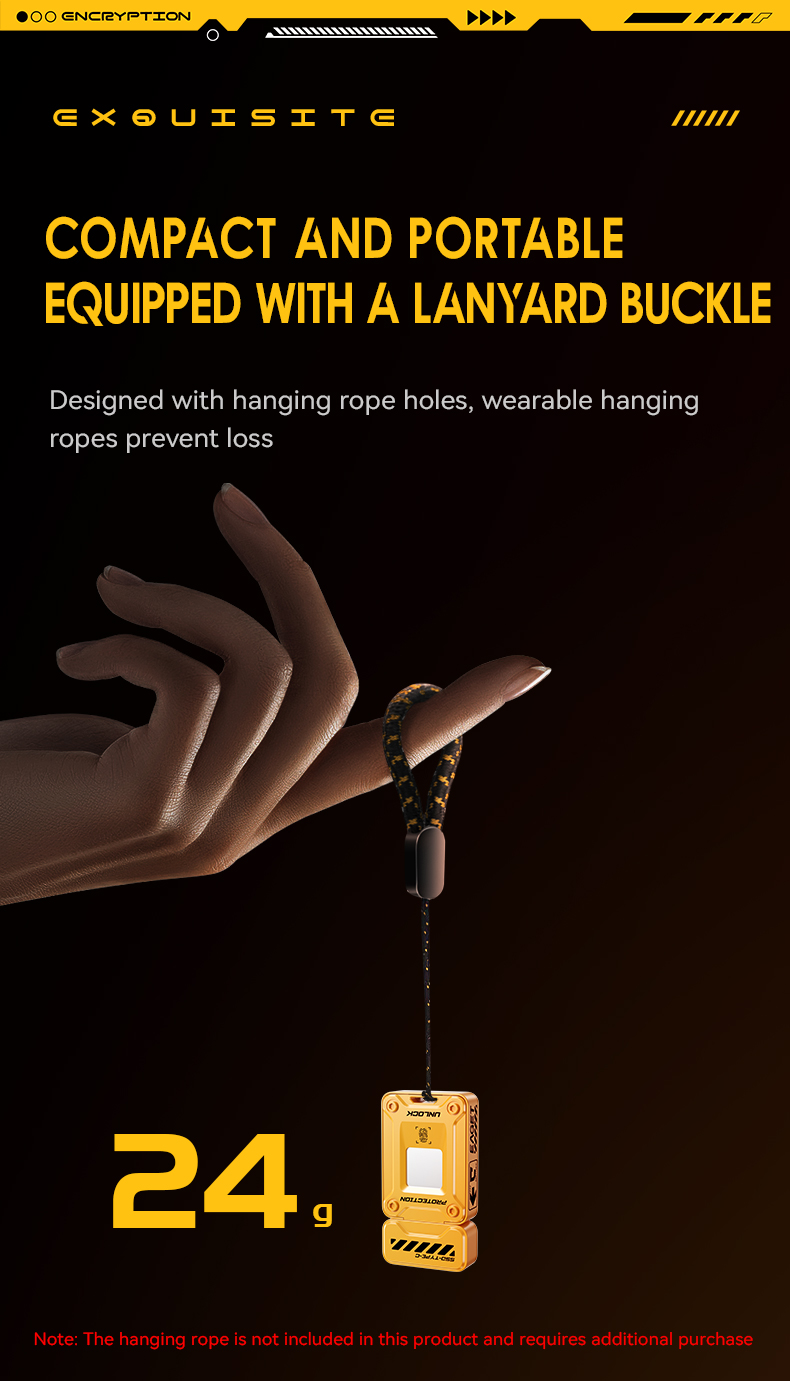
The compact zinc-alloy body weighs about 24g and includes a hanging point for easier everyday carrying.
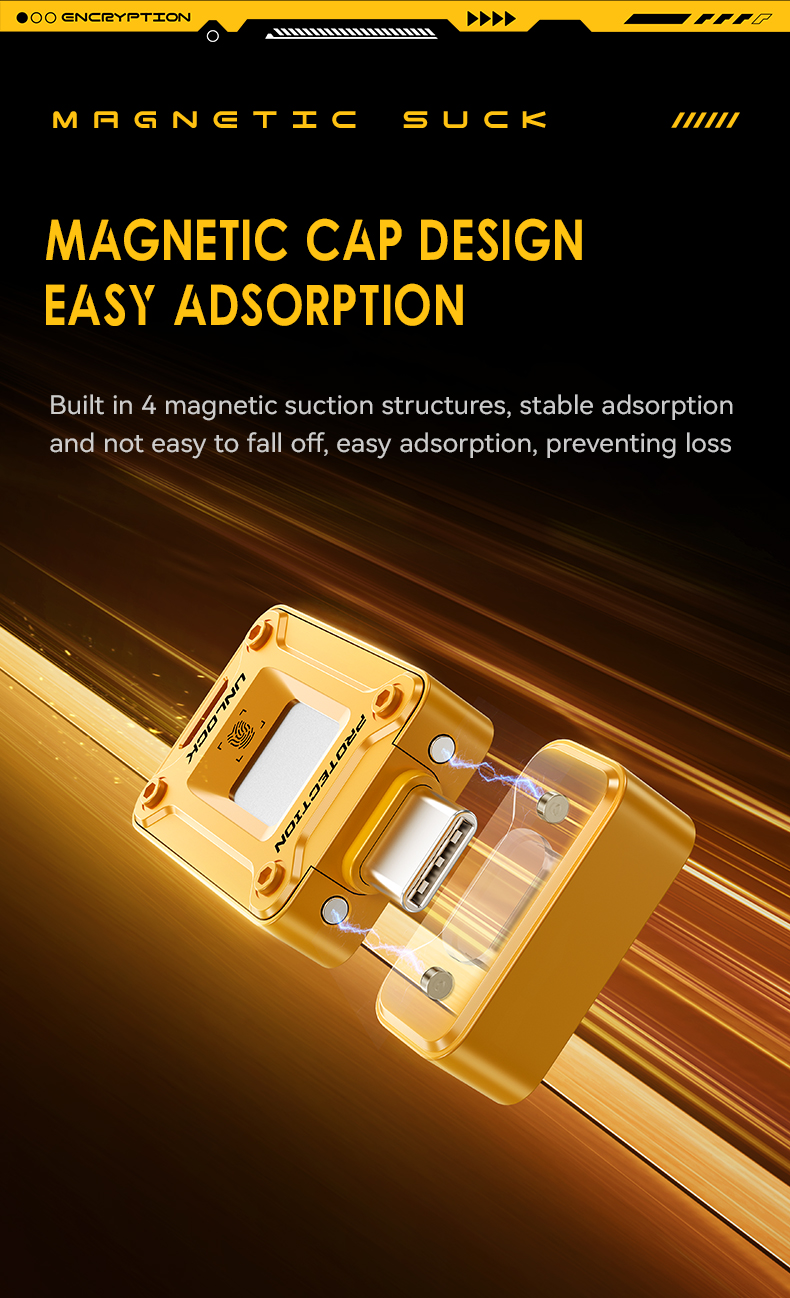
Magnetic Cap Design.
The removable cap uses magnetic retention to make closing and covering the connector quick and convenient between uses.
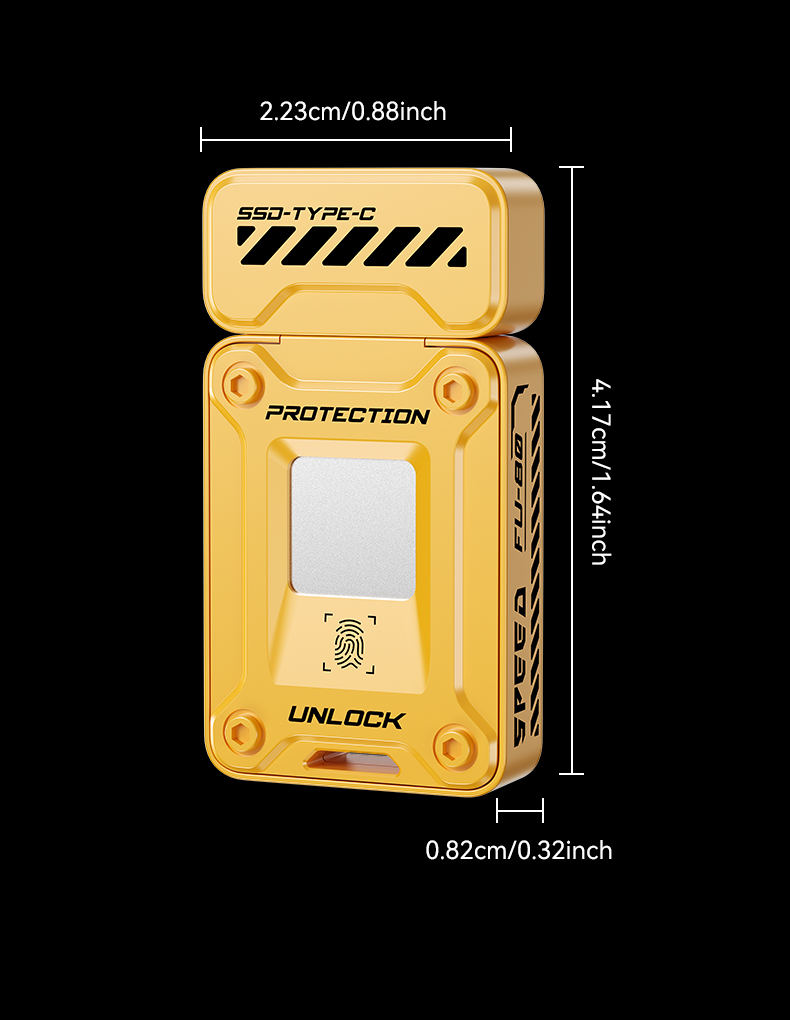
About 1.64 Inches Tall.
Compact dimensions make it easy to keep with your laptop, tech pouch or everyday carry.
Encryption Adds Protection — It Doesn't Replace Good Backup Habits
Keep important files backed up in another trusted location. Encryption helps control access to protected data, but no portable storage device should be treated as the only copy of irreplaceable files.
Product Specifications
Frequently Asked Questions
Does the entire drive require a fingerprint every time?
The drive supports separate public and encrypted storage areas. Authentication is used to access protected private storage, while public storage can be configured for normal file use.
What happens if fingerprint recognition fails?
Password-based access is also supported. Keep your password recorded securely and follow the management software instructions when configuring recovery or authentication options.
How many fingerprints can I register?
Product materials indicate support for up to six fingerprint IDs.
Is the drive compatible with phones?
It is designed for compatible Type-C Android devices. Phone support can depend on OTG support, operating system, file-system compatibility and the required management app.
Can I use it with a computer?
Yes. The product supports compatible Windows, macOS and Linux computers. Connection options depend on the ports available on your device and the selected package configuration.
Is fingerprint setup automatic?
Initial fingerprint, password and encrypted-partition configuration requires the compatible management software or app.
Is 500MB/s guaranteed on every device?
No. Transfer speeds are maximum specifications and depend on factors including the host USB interface, operating system, file size, workload and available storage.
Does encryption guarantee that data can never be accessed?
No security product should be described as providing an absolute guarantee. Encryption and authentication help reduce unauthorized access when configured and used correctly.
Should I still back up important files?
Yes. Keep another backup of irreplaceable files rather than relying on any single portable storage device.
Fast Storage for Everyday Files. Authentication for the Ones You'd Rather Keep Private.
Store work, photos, projects and personal documents in one compact SSD-style flash drive with an encrypted private area when you need it.
Available in 128GB / 256GB.
Actual usable capacity and transfer performance may vary by device,
formatting and operating environment.