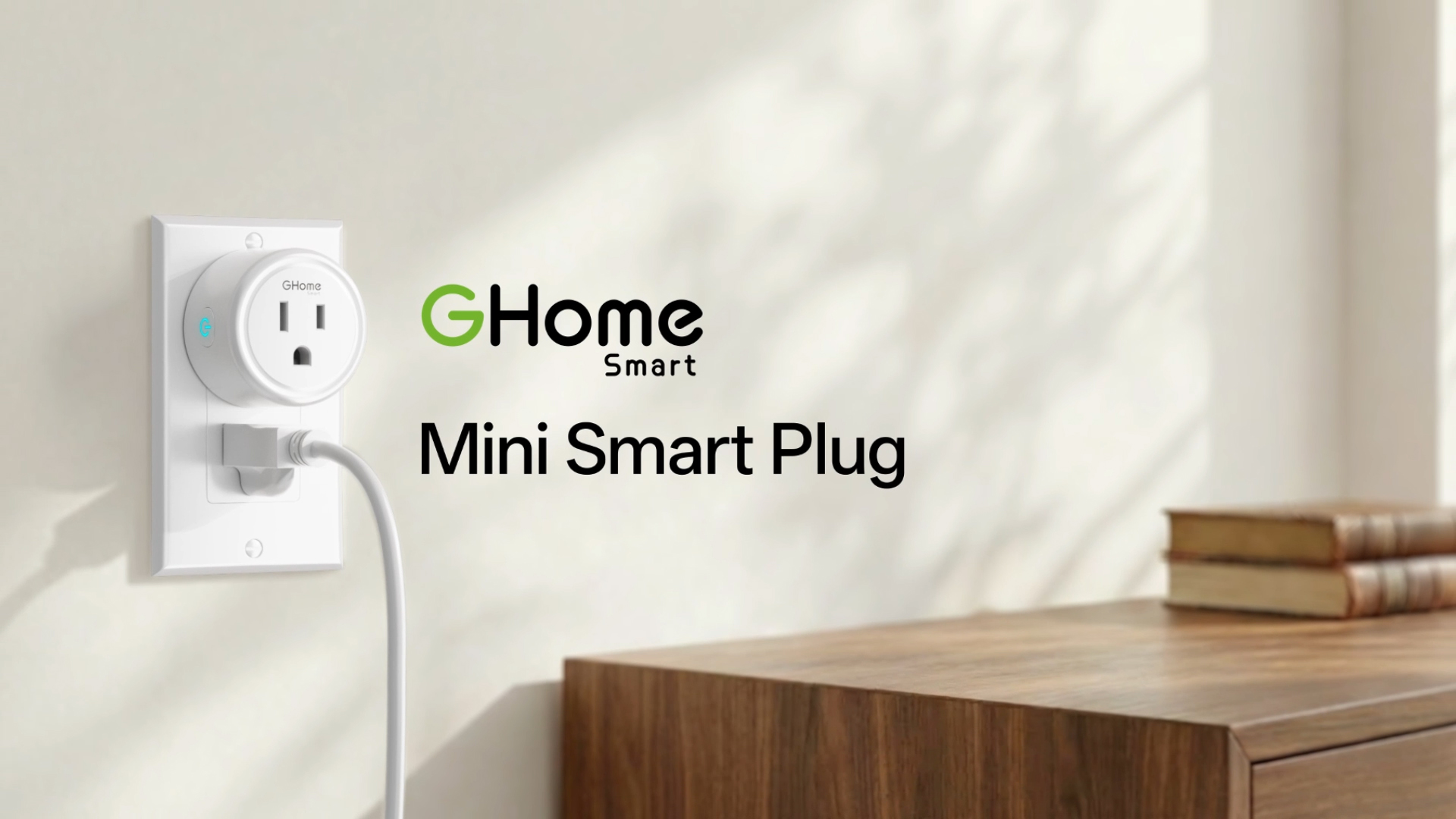
Make the Lamps You Already Own a Little Smarter.
Set the lights to come on before you walk in, switch them off from your phone, or turn them on with your voice.
- App Control
- Voice Control
- Timers & Schedules
Walk In With the Lights On.
Set a daily schedule for your entryway lamp, or use a countdown timer to switch off your bedside lamp later.

Left a Lamp On? Turn It Off From Your Phone.
Open the GHome app and switch a connected outlet on or off while you’re away, as long as the plug stays online.

Turn It On With Your Voice.
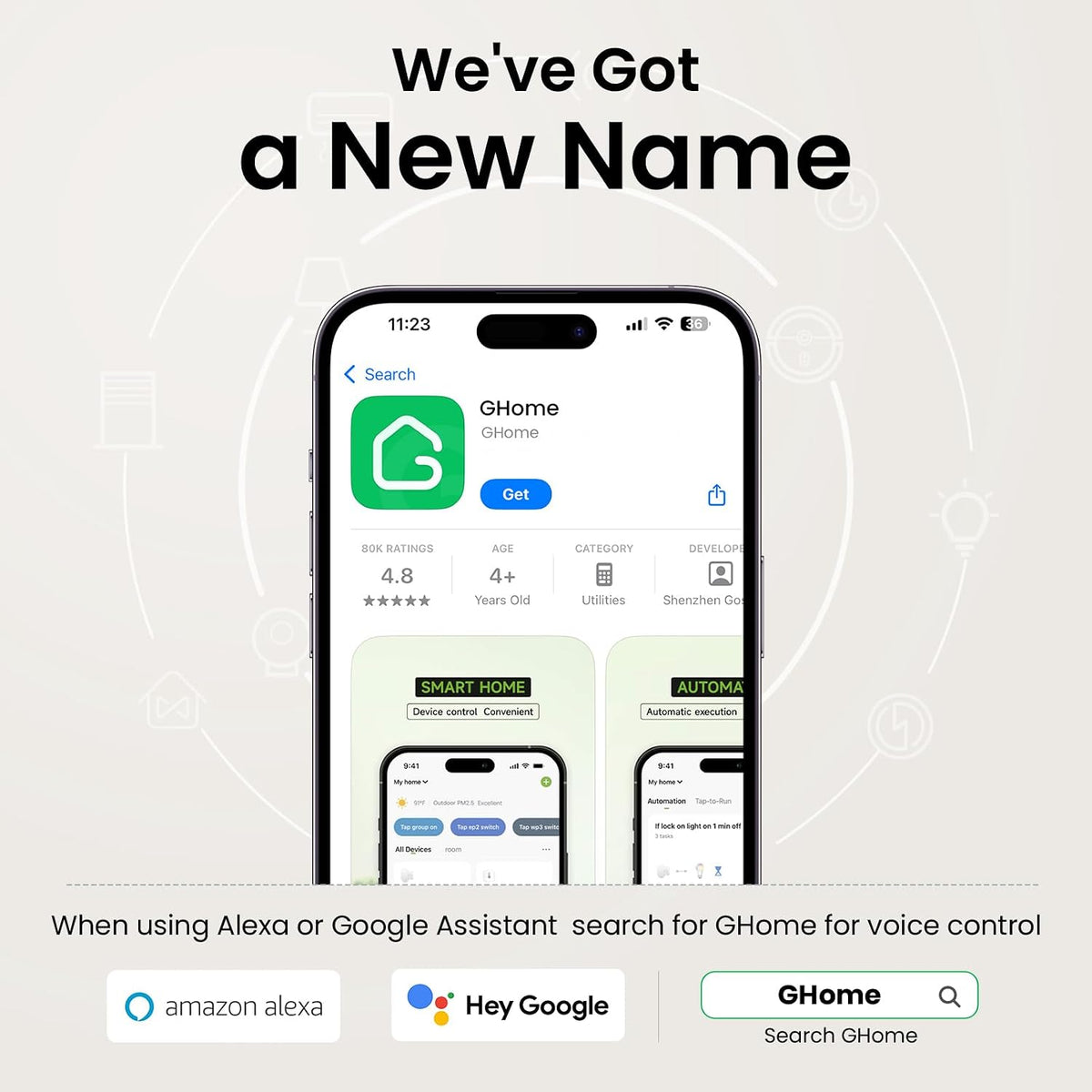
Pair the plug in the GHome app, then link Alexa or Google Assistant for hands-free on and off control.

Put Both Lamps to Bed With One Tap.
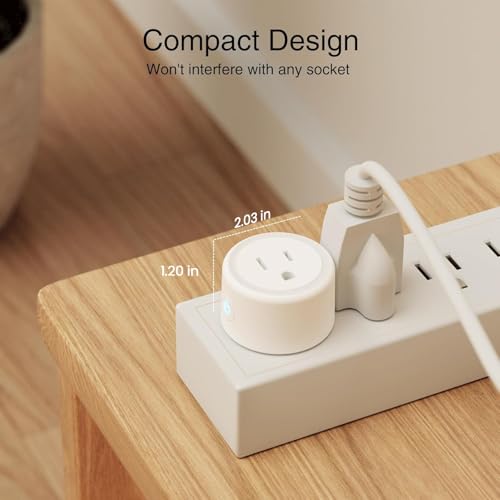
Group compatible plugs in the app to switch them together. The compact bodies make them easy to place around the room.

Specifications
Check your outlet, Wi-Fi and device rating before setup.

| Model | WP3 |
|---|---|
| Pack size | 2 white smart plugs |
| Outlet type | U.S. grounded outlet |
| Input | 120 V AC, 60 Hz |
| Max load | 10 A / 1200 W |
| Wi-Fi | 2.4 GHz only |
| Voice control | Amazon Alexa and Google Assistant |
| Hub | No separate hub required |
| Placement | Indoor use only |
Frequently Asked Questions
Will it work on a 5 GHz-only Wi-Fi network?
No. The WP3 connects to a 2.4 GHz Wi-Fi network. Use the 2.4 GHz band during setup and keep the plug within range.
Do I need a smart speaker to use it?
No. You can switch the plugs and set schedules in the app. A compatible voice assistant is only needed for voice commands.
What should I check before connecting a device?
Check the device label and instructions. It must be suitable for plug-in on/off control and stay within the WP3’s 10 A / 1200 W rating. Use the plug indoors.