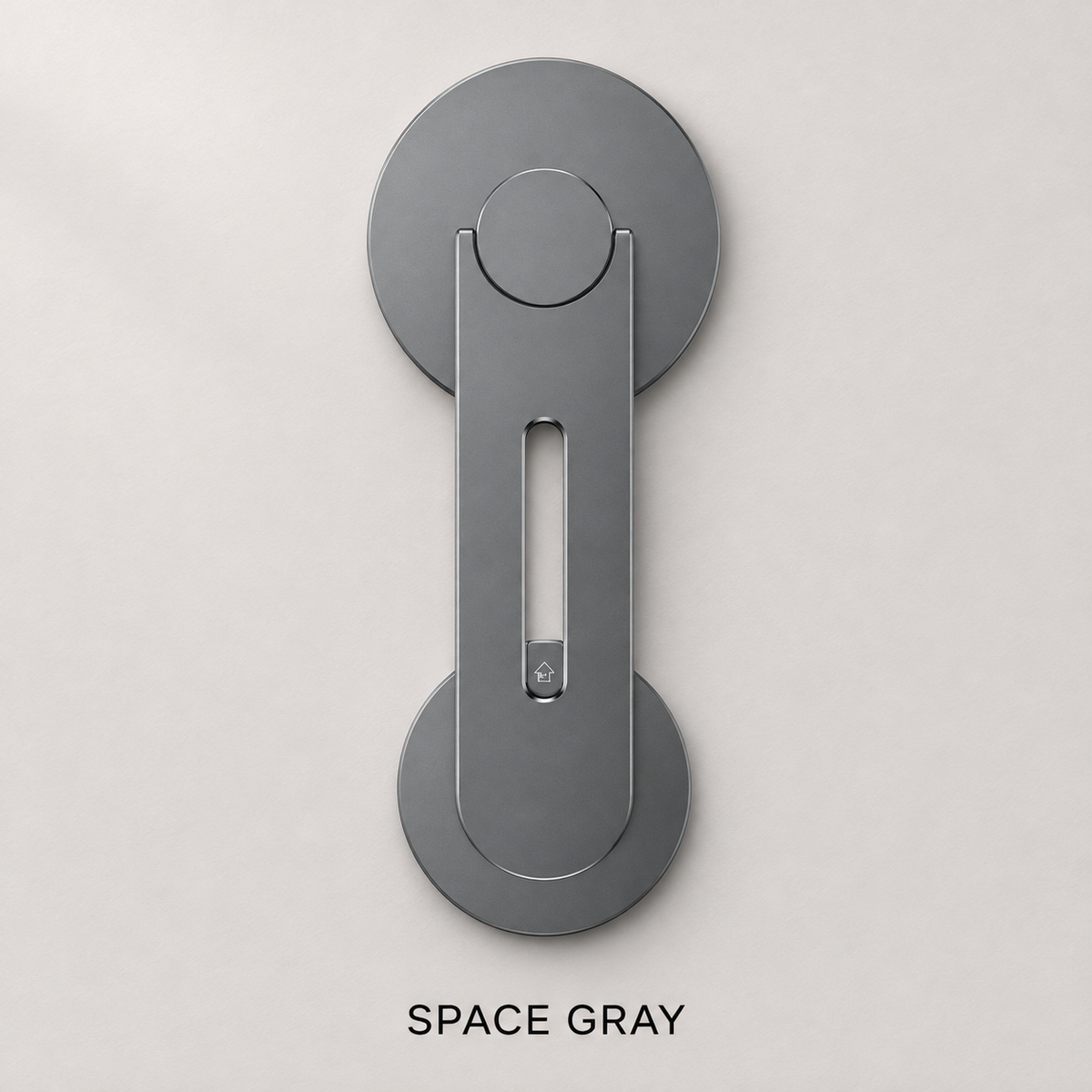
💻 Magnetic Laptop Phone Mount – Hands-Free Viewing & Fold-Flat Design 📱
💻 Magnetic Laptop Phone Mount – Hands-Free Viewing & Fold-Flat Design 📱


BUNDLE & SAVE
Couldn't load pickup availability
-
Ordered
- - -
Order Ready
- - -
Delivered

💻 Magnetic Laptop Phone Mount – Hands-Free Viewing & Fold-Flat Design 📱
Two screens · One comfortable workspace
Your phone.
Right beside your screen.
Keep calls and notes in view while you work. Give your phone a dedicated place beside your laptop, with portrait and landscape viewing options.

Compatible magnetic phone or case required.
Give your phone a place
Bring it close. Settle into your work.
Place your compatible phone or magnetic case against the round pad. The jointed arm keeps it alongside your laptop, ready for the next glance.

Calls at your workspace
Keep the conversation in view.
Position your phone beside or above the laptop for hands-free calls. Keep your hands available for typing, writing, or simply talking.

For café tables and study sessions
Make room for your notebook.
Lift your phone off the table and keep it within view. Leave more of the surface available for notes, books, and the work in front of you.


Your setup can move with you
Keep useful things in view.
Follow a recipe while you prep, or bring the same side-by-side setup to a desk away from home. Choose the phone orientation that suits the task.


When it is time to head out
Fold the arm. Pack up your day.
Lift off your phone and fold the arm flat against the laptop lid. Keep your setup ready for the next place you work.

Product highlights
A simpler place for your second screen.
- Magnetic phone placement with a compatible phone or magnetic case.
- Flexible viewing in portrait or landscape.
- More usable table space with your phone held beside the laptop.
- Fold-away arm for packing up between workspaces.
The essentials
Product details.
- Product
- Magnetic laptop phone mount
- Phone connection
- Round magnetic mounting pad
- Compatibility
- Requires a phone or case compatible with magnetic attachment
- Laptop placement
- Base positioned on the outside of the laptop lid
- Viewing options
- Portrait or landscape; beside or above the screen
- Storage design
- Jointed arm folds flat when not in use
Good to know
Frequently asked questions.
What phone setup do I need?
Your phone or case needs to support compatible magnetic attachment. Check your current phone and case setup before ordering.
Can I switch between portrait and landscape?
Yes. Position your phone in the orientation that suits your calls, notes, or viewing.
Where does the base sit?
The flat base sits on the outside of the laptop lid, near an upper corner. Allow room for the arm and phone when choosing its position.
How do I pack it away?
Remove your phone, fold the arm flat against the laptop lid, and then pack your laptop.
Make your workspace feel complete
Bring both screens into your day.
Keep your phone close to your laptop, free up the table, and fold the arm away when you finish.
Get Your Phone Mount ↑